See it work / Energy and utilities
Outage work sorted and crews briefed
One query sorts active outages by what each is waiting on, then sends the dispatch report to the right people.
The problem
Why this work is slow today.
During an outage event the control room tracks dozens of jobs. Each waits on something different: a crew, switching authority, or confirmed isolation. Sorting them by hand costs time when time matters most.
In the demo
What you see, step by step.
A query from the control room
Which outages require switching or isolation before work begins?
A super agent reads the records
It finds the active outages and sorts them by what each one is waiting on.
A decision step picks the path
Critical and immediate, routine planned work, or a safety review.
Paperwork and alerts
Each path builds its own document and sends an email alert with the report attached.
The result
What changes for your team.
The critical dispatch report lists every outage with what it needs next. Safety holds are called out separately. Crews get the right brief, and supervisors see the whole picture.
Who it fits
Electric and water utilities
Control rooms that plan switching and dispatch.
Field service operators
Companies that send crews against a live work queue.
Operations supervisors
Leaders who need a sorted view during an event.
Transcript
The narration, in full.
This Workflow AI use case plans outage work and dispatches field crews from the first query to the brief in the crew's inbox. It starts at the user input node, the bridge between the control room and the workflow, carrying each query in from the front end. A super agent takes it from there, choosing its own tools and working from the outage records attached to it.
Here, it finds 34 active outages that need switching and isolation before repair work can begin, and sorts them by what each one is waiting on. 21 are waiting on a crew. 5 have the crew dispatched and switching authorized, but isolation not yet confirmed. 1 is held on a feeder with hospital generator backfeed risk. The decision node then routes the inspection down one of 3 paths.
Critical and immediate, where a major outage, a substation or feeder failure, or an affected hospital needs a crew now. Or routine planned work, or a safety review. Each path builds its own document, converted straight to PDF with the page size, the margins, and the type set on the node. And each one goes out as an email alert, with the subject, the recipient, and the report attached.
The critical dispatch report comes out as a working document, every outage listed with what it needs next. One query in, and the right crews, the right paperwork, and the right alerts out.
This demo is produced by ICS Nett and shows FinBlade AI running on sample data. Company names, people, and figures are illustrative. Your deployment runs on your own data, inside your own boundary.
Keep watching
Related demos.
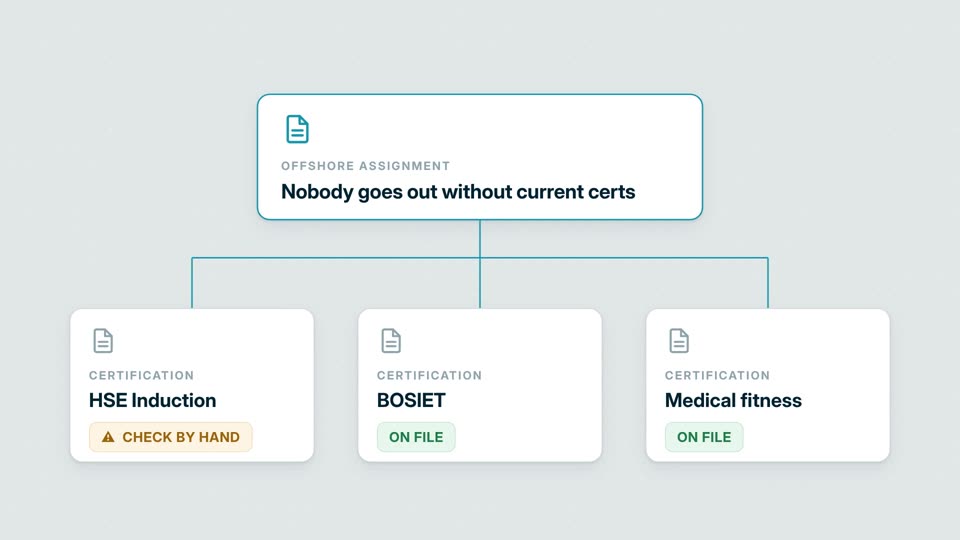 1:25
Industrial safetyWho is cleared to work, with the evidenceTraining, permits, and medical certificates are checked together. The answer is dated, and the right report goes out.
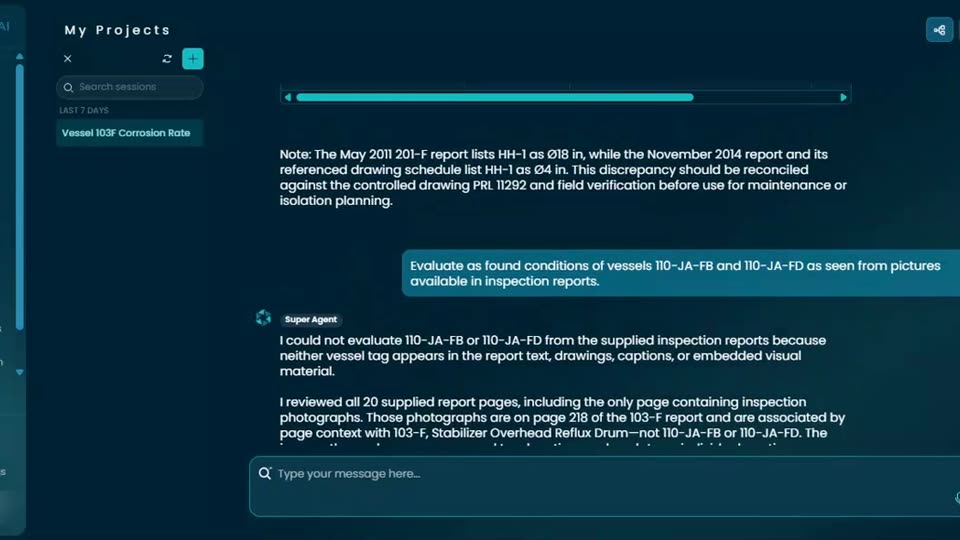 1:28
Industrial inspectionInspection reports turned into an assistantEngineers ask about corrosion and remaining life. Answers come from the report pages, and the assistant says when the data is missing.
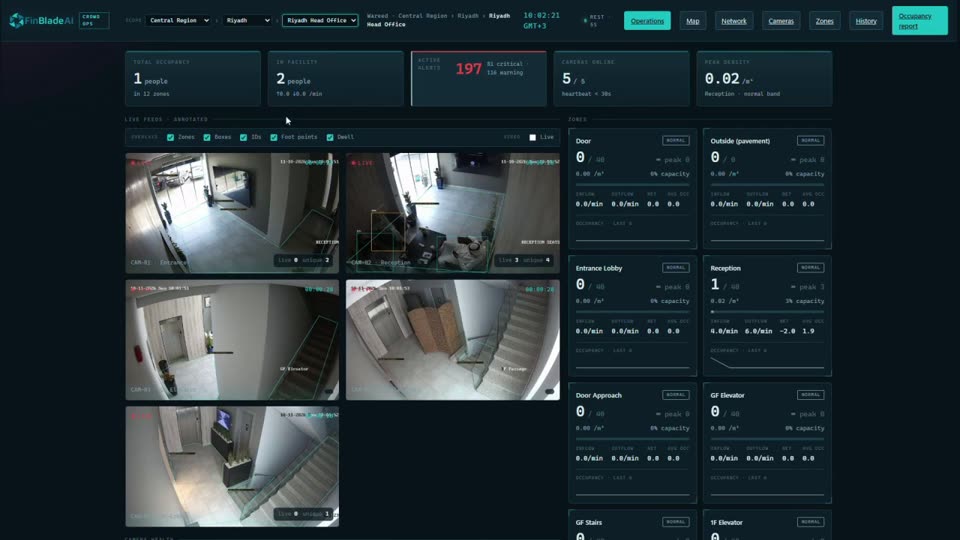 2:54
Computer visionEvery site, camera, and alert on one screenExisting security cameras become live data: occupancy, restricted zones, alerts, and vehicle locations across a whole network.
Your AI. Your data. Your control.
Want this on your own data?
Start with a free call with Thomas. We map the work, the data rules, and the right deployment path.
Free. Direct. No pitch deck. Rooted in Middle Tennessee, serving organizations nationwide.