Every file in one place, trained and searchable
Upload documents, spreadsheets, and scans. Ask questions of one file or many, and get answers that cite the file they came from.
The problem
Why this work is slow today.
Most organizations keep their knowledge in folders nobody can search well. A file name tells you little. The answer you need is inside a scanned page, a spreadsheet tab, or a report someone else wrote.
In the demo
What you see, step by step.
One library, many sources
The library shows your own files, generated work, databases, SharePoint, shared files, and templates in one view.
Three ways to search
Search by file name, search inside the documents, or describe what you want and let the AI filter for you.
Upload and train
Drag in a file or a whole folder. Scanned pages go through OCR. Documents are trained for search, and spreadsheets become sources you can query.
Ask one file a question
Select a file and chat with it. Answers come only from that file, with citations, and the platform suggests where to start.
The result
What changes for your team.
This is the foundation under every other demo. Once the library exists, chat, workflows, agents, and dashboards all draw from the same permissioned source. People stop hunting for files and start asking questions.
Who it fits
Knowledge-heavy teams
Firms and departments whose value sits in documents, records, and past work.
IT and data owners
Teams that need one governed place for files instead of scattered copies.
New adopters
Organizations that want a first step with a visible result.
Transcript
The narration, in full.
This is My Data, where every file the platform works with lives. The top row is the state of the library: 121 documents, 91 trained and searchable, 13 spreadsheets queryable as data, and 17 shared with you. Down the side are the sources behind it. Your own files, generated artifacts, databases, SharePoint, what others have shared, and templates.
Folders sit underneath. Search works 3 ways: by file name, inside the documents themselves, or by describing what you want and letting the AI filter for you. And the chips narrow it further: by file type, by training status, or by when it was uploaded. Artifacts holds everything the platform has generated. 163 files, grouped by where they came from and filtered by kind.
Adding more is a drag and drop, a browse, or a whole folder at once. Then one question: extract the text with OCR? Turn it on for a scanned page or an image and leave it off when the PDF already has selectable text. Each file is routed on its own. Documents are trained for AI search. Spreadsheets become queryable sources. Training runs automatically after the upload.
The count moves, and the file comes back trained. Select any file and chat with it on the spot. Answers come only from that file, with citations. It even suggests where to start: summarize the dataset, the key totals, any trends or outliers. Every file in one place, trained, searchable, and ready to answer.
This demo is produced by ICS Nett and shows FinBlade AI running on sample data. Company names, people, and figures are illustrative. Your deployment runs on your own data, inside your own boundary.
Keep watching
Related demos.
 1:38
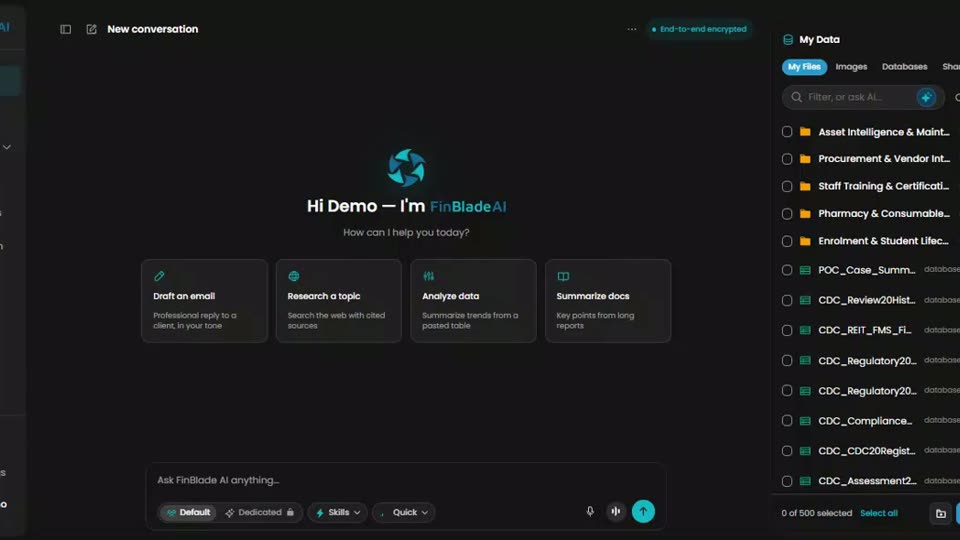
Platform tourThe whole platform in 98 secondsOne secure workspace to chat with your data, automate your work, and launch AI apps. This is the fastest way to see how the parts fit.
 1:27
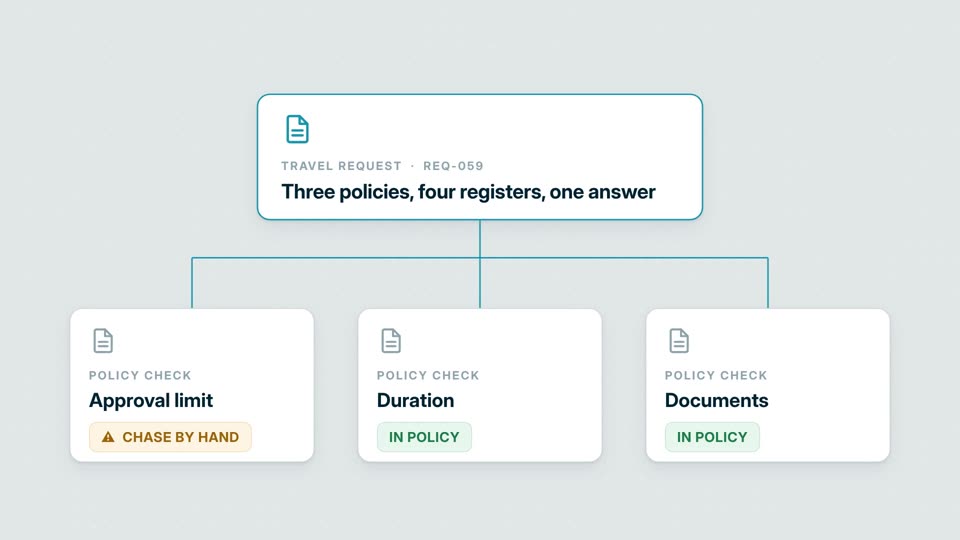
OperationsThree policies, four registers, one answerCan this request be approved? The workflow checks policy and authority, finds the missing document, and routes the exception.
 1:42
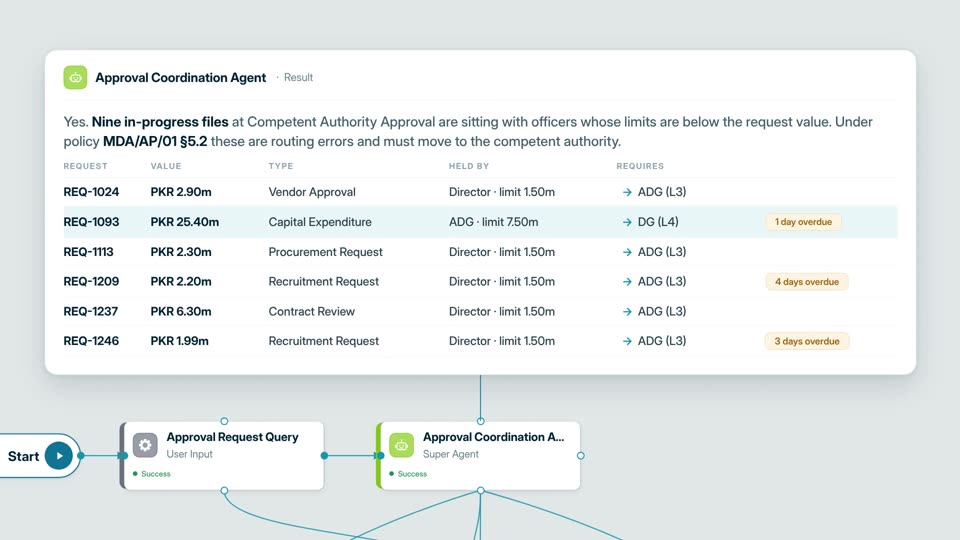
OperationsApprovals routed to the desk that can signThe agent finds files held by officers without the authority to approve them, then escalates each one with the paperwork.
Your AI. Your data. Your control.
Want this on your own data?
Start with a free call with Thomas. We map the work, the data rules, and the right deployment path.
Free. Direct. No pitch deck. Rooted in Middle Tennessee, serving organizations nationwide.