A quarter of branch analysis in one conversation
Ask about targets, chart a ratio, then send the deck, the report, and the summary by email. All in one conversation.
The problem
Why this work is slow today.
Quarterly reviews pull from spreadsheets, PDF reports, and live systems. Analysts spend the first week gathering numbers and the second week formatting them. The discussion that matters gets the time that is left.
In the demo
What you see, step by step.
Bring the sources together
Documents are uploaded, pulled from SharePoint, or connected as live data. Scanned pages go through OCR first.
Ask the questions a board would ask
The assistant sets actual results against targets and plots a key ratio by quarter.
Draft and send
It drafts a recovery plan request to a regional head, with a summary attached. Skills turn repeat work into a reusable command.
Package the findings
Findings become a slide deck and a one-page report with a scorecard. One request sends all of it by email.
The result
What changes for your team.
The analysis, the charts, the deck, and the follow-up emails come from one session against the same sources. The team spends its time on the decisions, and every figure traces back to a file.
Who it fits
Banks and credit unions
Branch networks that review performance every quarter.
Finance teams
Analysts who assemble board and committee packs.
Regional leaders
Managers who need answers between reporting cycles.
Transcript
The narration, in full.
This is Chat AI, and in this use case, it's analyzing a bank's branch performance across the 3rd quarter. Documents can be uploaded directly, brought in from SharePoint, or connected as live data through SQL and API integrations. For scanned pages or documents where the text is part of an image, OCR reads it before upload. Each file is then trained so the AI can search it.
You can chat with one file or many at once, mixing sources like Excel spreadsheets and PDF reports. This session holds a full quarter's analysis, ending with everything sent by email. Here's how it got there. Ask about targets, and it sets September's actuals against December's goals with what the board must approve. Ask for a chart, and it plots the NPL ratio by quarter.
It drafts and sends emails too, like this recovery plan request to a regional head with a summary attached. Skills turn repeat work like an email template into a ready-made command. And any user can create their own. A new skill takes a name, a description, the tools it may use, and how it should behave. Findings can be compiled into a PowerPoint deck, previewed right in the chat, and downloaded in one click.
Or into a single-page HTML report with a KPI table and branch scorecard. Then one request sends the deck, the PDF, and the webpage straight to email. Branch performance analyzed in one conversation.
This demo is produced by ICS Nett and shows FinBlade AI running on sample data. Company names, people, and figures are illustrative. Your deployment runs on your own data, inside your own boundary.
Keep watching
Related demos.
 1:41
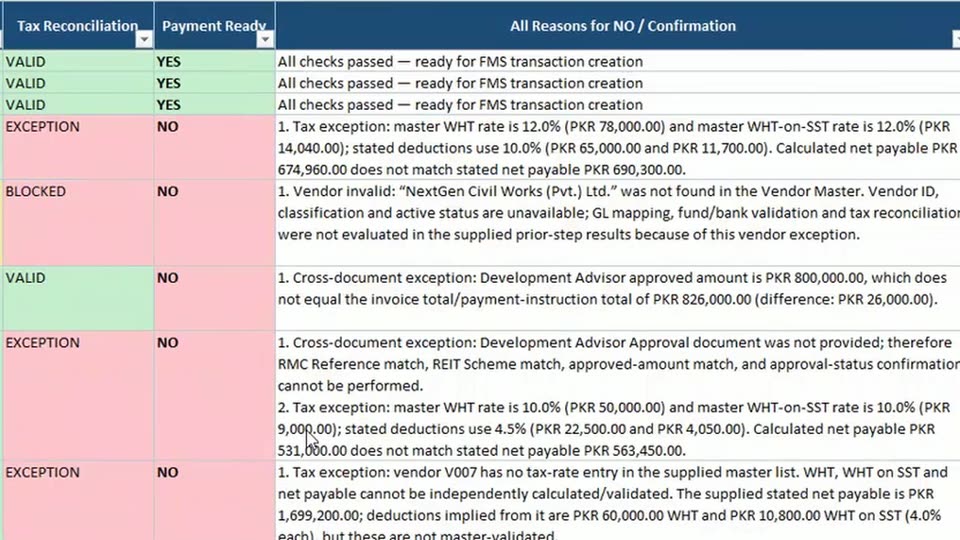
FinancePayment instructions checked before money movesEach payment is matched against the invoice, the approval, and the vendor master. Every case gets a clear yes or no, with the reason.
 1:42
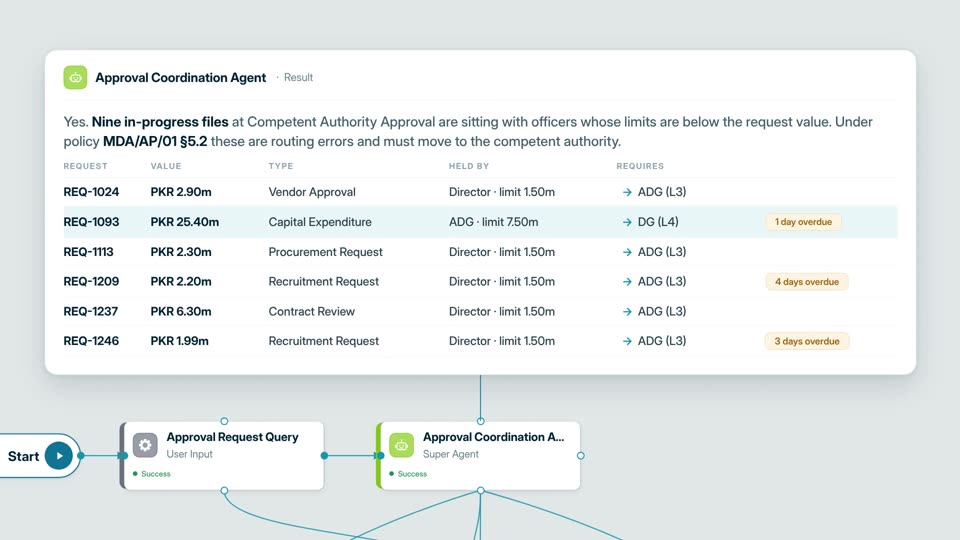
OperationsApprovals routed to the desk that can signThe agent finds files held by officers without the authority to approve them, then escalates each one with the paperwork.
 1:26
Document intakeHandwritten forms turned into a clean tableScanned forms in two languages are read, and the fields you name are pulled into one table for review.
Your AI. Your data. Your control.
Want this on your own data?
Start with a free call with Thomas. We map the work, the data rules, and the right deployment path.
Free. Direct. No pitch deck. Rooted in Middle Tennessee, serving organizations nationwide.