Ask your cameras a question
Plain-language questions return counts, open alerts, and evidence snapshots. Results are candidates for review, and a person makes the final call.
The problem
Why this work is slow today.
The answer is in the footage, but getting it means pulling a report or scrubbing video. Simple questions take an hour. Hard ones do not get asked.
In the demo
What you see, step by step.
Start with a health check
Are all cameras online? How many people entered the building on a given day?
Move to security
Any open alerts? The assistant lists the latest critical ones and summarizes what they have in common.
Ask for the evidence
It returns a secure, signed link for each alert. The links expire, so evidence can be shared without being left open.
Search with care
A search by clothing returns candidates for review, not identifications.
The result
What changes for your team.
Status, counts, alerts, and evidence come from a conversation. The assistant says where each number came from and is explicit that a person makes the final call.
Who it fits
Security operations
Teams that investigate incidents and prepare evidence.
Site managers
People who need visitor counts and alert status without a report.
Compliance and audit
Functions that need time-limited, logged access to evidence.
Transcript
The narration, in full.
Here's the FinBlade AI assistant, open right next to the live operations view. You ask in plain English, and it answers from the system's own data. Let's start with a quick health check. Are all cameras online? Yes, all 5 of 5. How many people have entered the building today? None so far. It's early, and the entrance camera hasn't counted anyone in yet.
But it isn't limited to today. Ask about another day, Thursday, and it understands the date. 61 people entered the building on Thursday, October the 15th. That's a visitor count you'd normally have to pull from a report. Next, security. Any open alerts? Yes. 200 open alerts, including 85 critical ones. So let's drill in. List the latest 10 critical alerts.
Back comes each alert with its ID and timestamp, and a useful summary at the top, all 10 are restricted area intrusions in the same place, Zone 5 on Camera 4, the first-floor passage. And it flags that none of them have been acknowledged yet. Words are good, but evidence is better. Can you pull the image links? It returns a secure, signed link for each of the 10 alerts.
The links expire after about an hour, so evidence can be shared without being left open. And the snapshots open right in the chat, the restricted zone outlined in red, the person boxed, and the exact timestamped on every frame. Everyone who walked into that passage on Thursday, In one scroll. Now let's search by appearance, in plain language.
Did anyone enter the building wearing a black top? And pull their image links. This one takes a little longer because it's searching through the recorded sightings at the entrance, not just a table of counts. It found 6 people in black tops on the entrance camera around the recorded entry times, Each with a link to the cropped image.
And it's careful about it, these are candidates for review, not identifications, so a person always makes the final call. Status, counts, alerts, evidence, and appearance search, just by asking. Your cameras have been watching for years. Now you can cross-examine them. FinBlade AI. The first video platform that answers back.
This demo is produced by ICS Nett and shows FinBlade AI running on sample data. Company names, people, and figures are illustrative. Your deployment runs on your own data, inside your own boundary.
Keep watching
Related demos.
 2:54
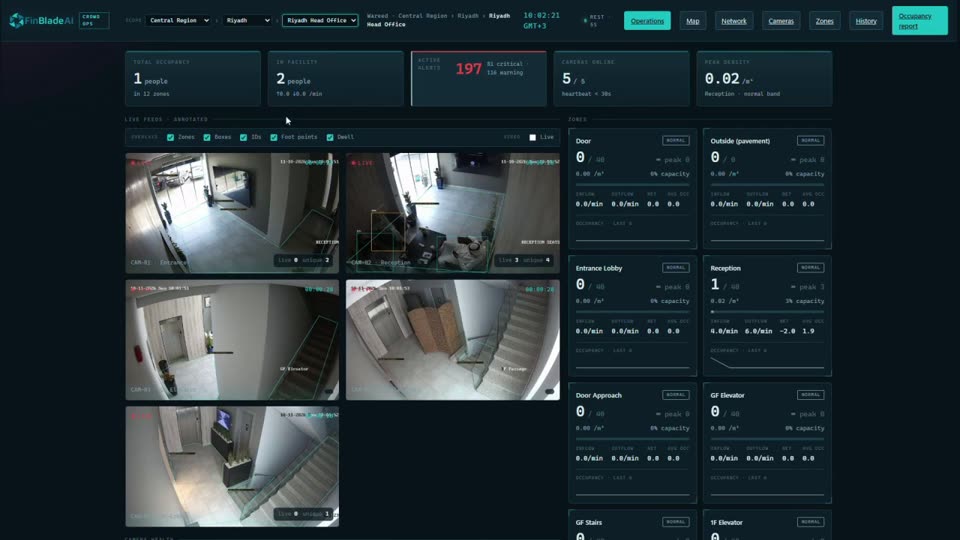
Computer visionEvery site, camera, and alert on one screenExisting security cameras become live data: occupancy, restricted zones, alerts, and vehicle locations across a whole network.
 2:26
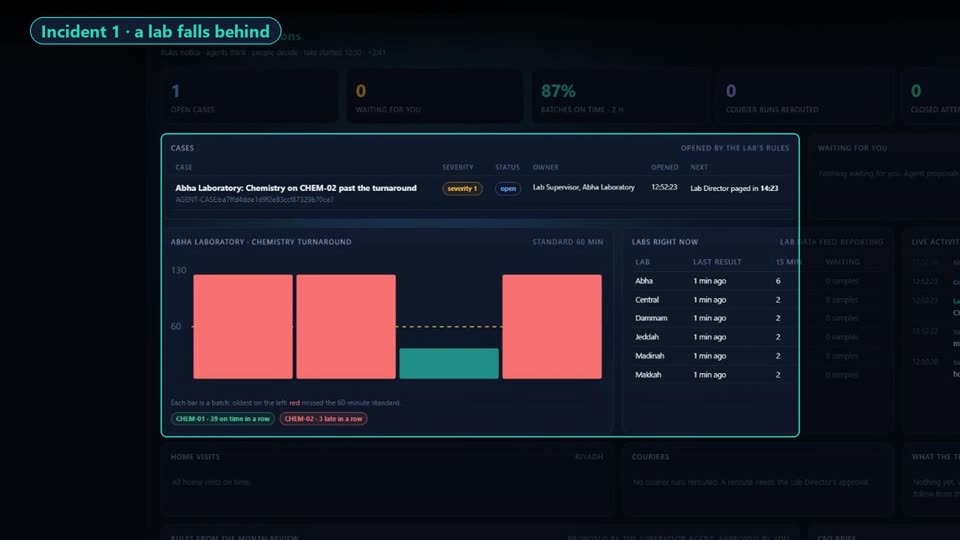
Healthcare operationsAI agents run the day. People make the calls.A lab network hits four problems in one day. AI agents spot each one, propose a fix with the evidence, and wait for a named person to approve.
Your AI. Your data. Your control.
Want this on your own data?
Start with a free call with Thomas. We map the work, the data rules, and the right deployment path.
Free. Direct. No pitch deck. Rooted in Middle Tennessee, serving organizations nationwide.